Create Custom Strava Stickers & Overlays for Instagram Stories
Generate transparent Strava-style stats stickers for your runs, rides, and workouts. Export clean visuals for Instagram Stories, Reels, and TikTok.

Completely free. Just log in with Strava.
See how it works
Overlay Showcase
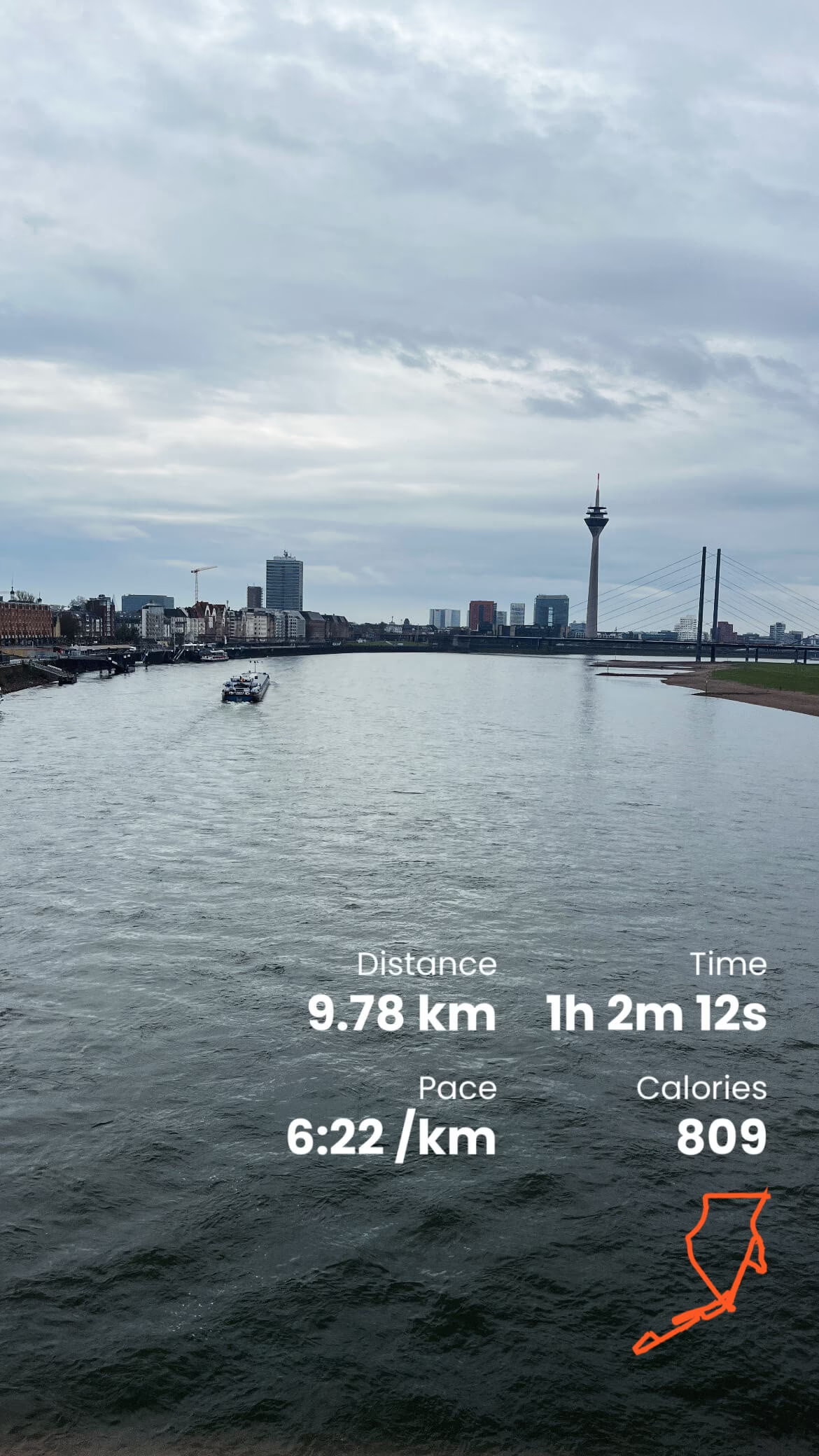
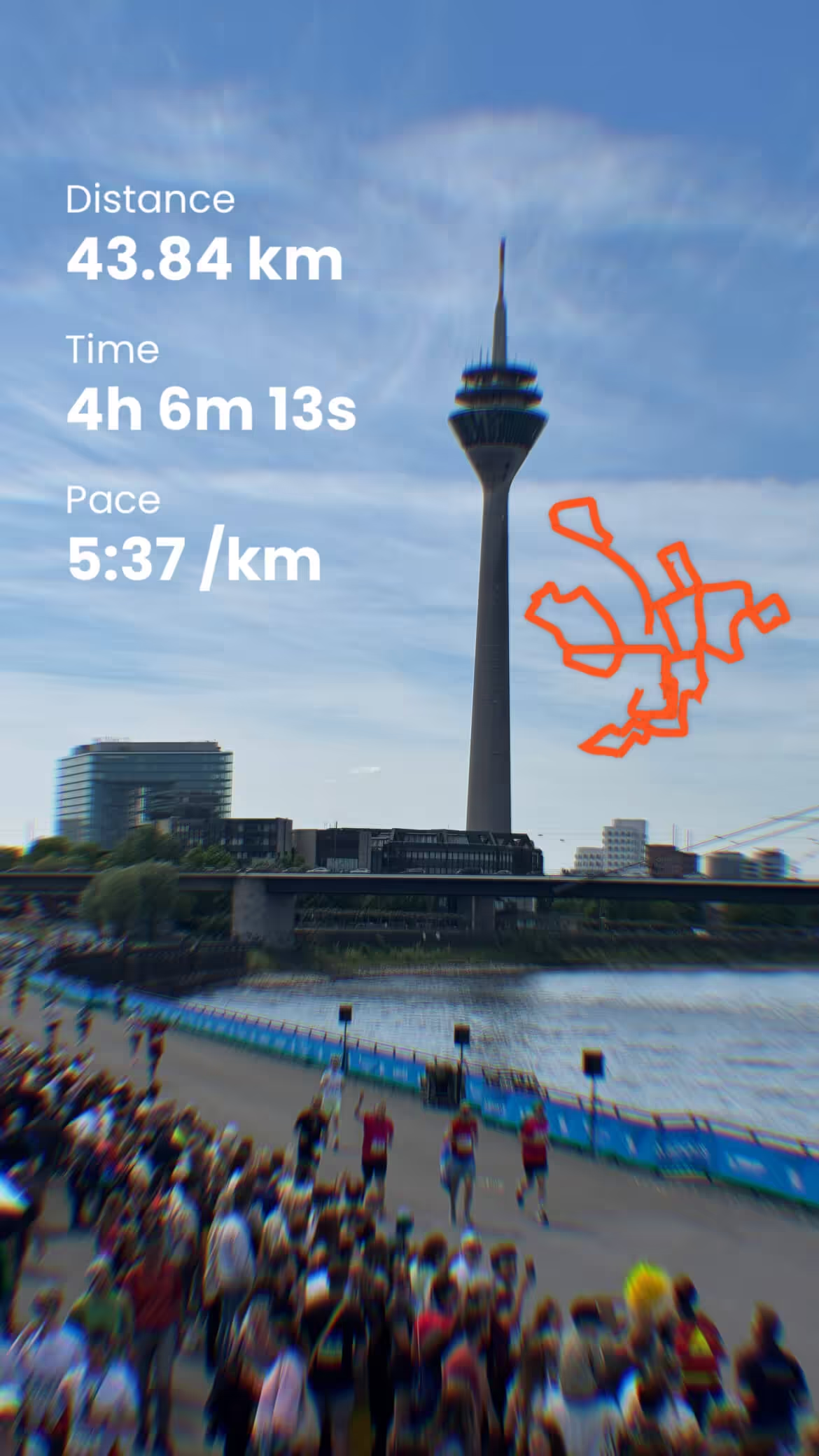
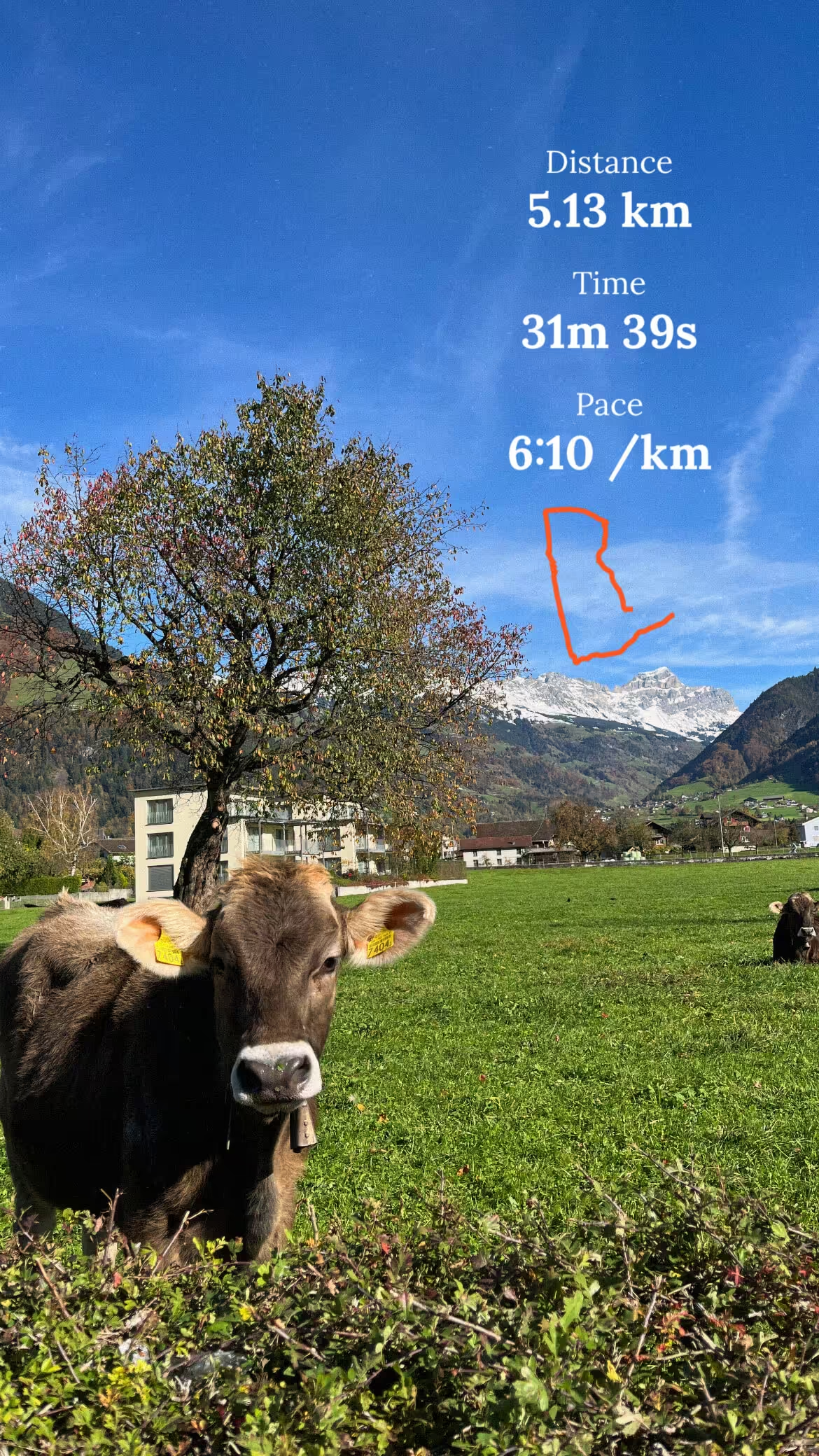
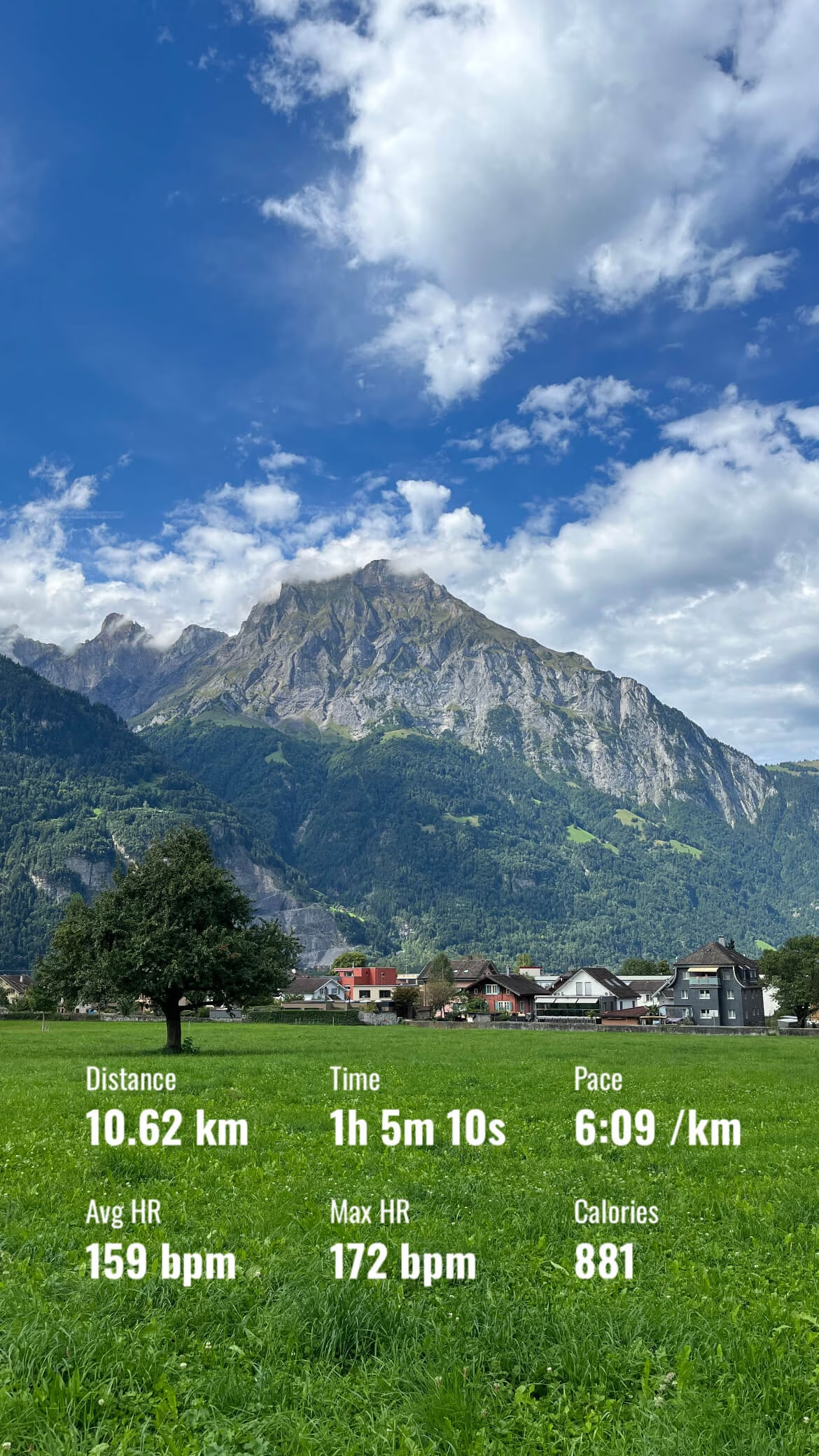
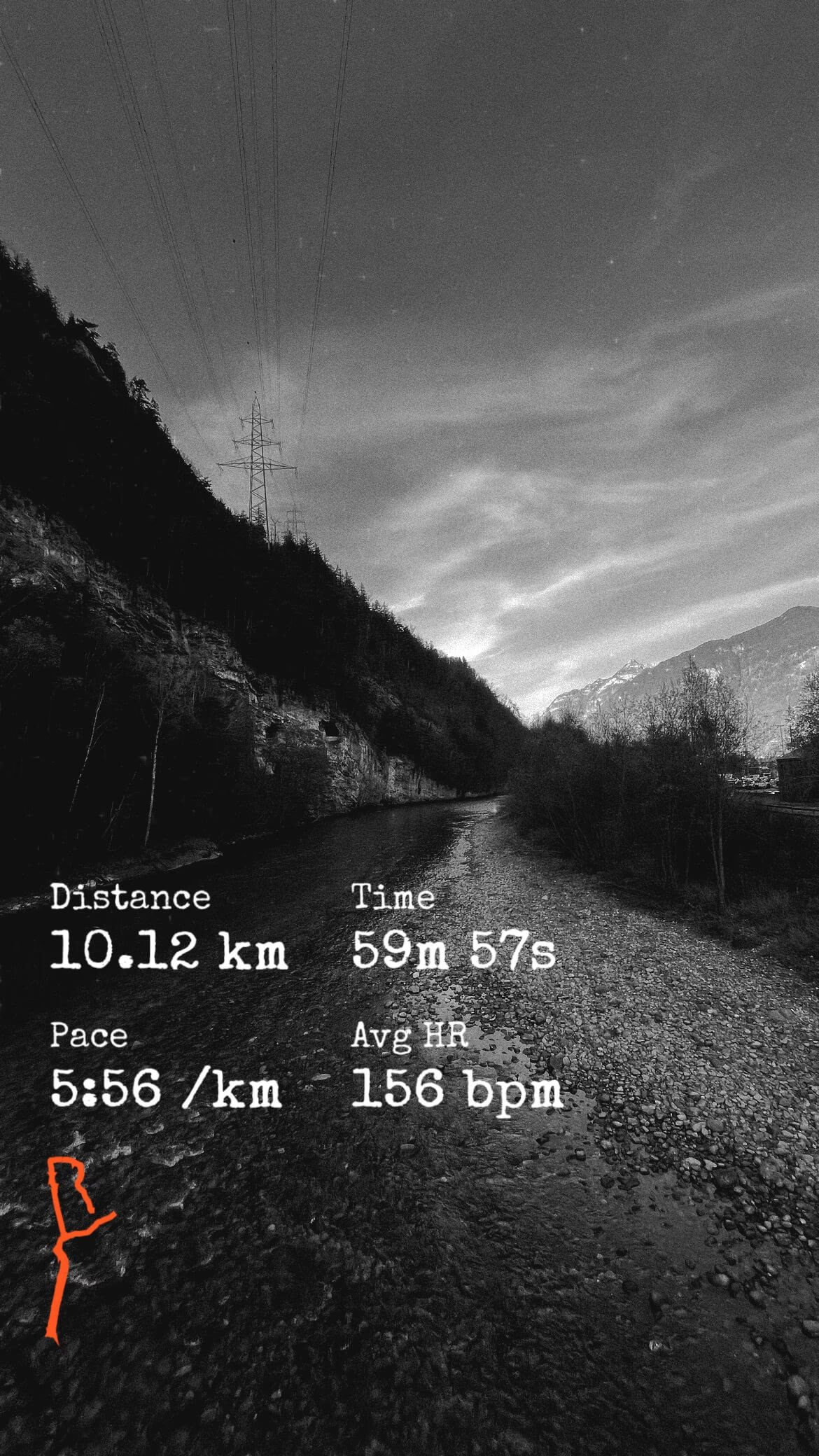
How It Works
Turn any Strava activity into a custom overlay for Instagram Stories in a few simple steps.
1. Connect Strava
Securely sync your account to access activities instantly. Fast, read-only access with no manual entry needed.
2. Choose Activity
Select any run, ride, or workout. We automatically pull your stats to generate your unique custom overlay.
3. Customize Design
Style your transparent overlay with custom colors and stats. Create a look that matches your aesthetic perfectly.
4. Download Sticker
Export a high-quality transparent PNG. Add it as a sticker to Instagram Stories, Reels, or TikTok.
Frequently Asked Questions
Everything you need to know about FitnessOverlays
- Connect your Strava account in FitnessOverlays and select the activity you want to share.
- Customize your Strava overlay (stats, colors, layout) and copy or download the transparent PNG.
- Open Instagram and create a new Story with your background photo or video.
- Add your FitnessOverlays image from your camera roll as a sticker and position it like a Strava stats sticker over your background.
This gives you full control over how your Strava activity appears on Instagram Stories while avoiding the default orange Strava share image.
Ready to Create Your First Overlay?
Connect your Strava account and start sharing your achievements in seconds.